
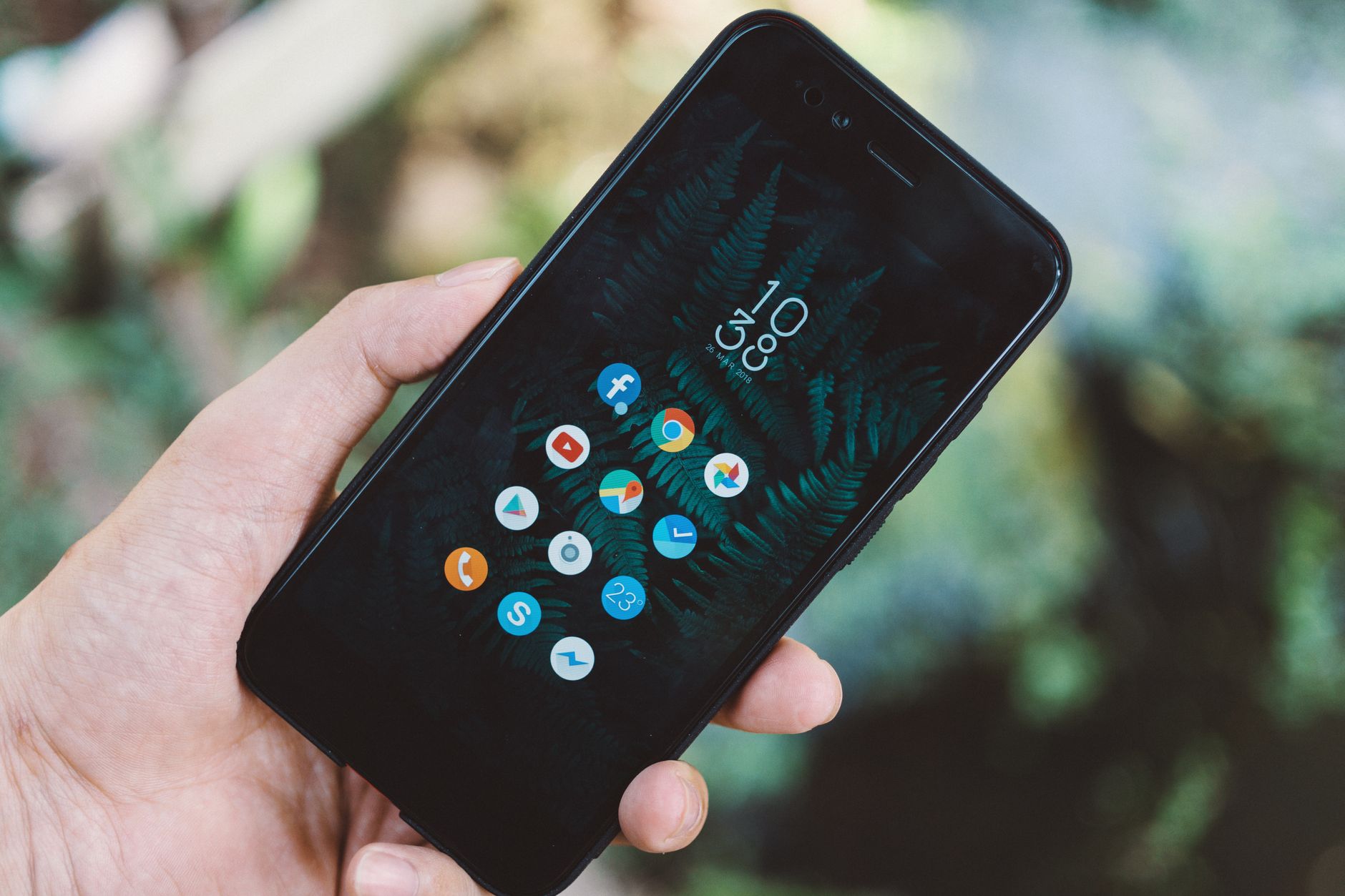
The UPI mobile app is a game changer for instant PF transfers. With this new feature from EPFO, users can now easily transfer their provident fund to bank accounts.
What is the UPI mobile app?
The UPI mobile app is a digital payment platform that facilitates instant money transfers between bank accounts using Unified Payments Interface (UPI) technology. This innovative system allows users to link multiple bank accounts to a single mobile application, making transactions quick and efficient.
UPI is designed to simplify the payment process, offering features that cater to a wide range of financial needs. Users can send or receive money, pay bills, and even purchase goods and services with just a few taps on their smartphones. With the introduction of the UPI mobile app by EPFO, transferring Provident Fund (PF) balances to bank accounts has become even easier.
Some key features of the UPI mobile app include:
- Instant Transfers: Funds are transferred almost immediately, allowing for quick access to money.
- User-Friendly Interface: The app is designed for ease of use, making it accessible even for those who are not tech-savvy.
- Secure Transactions: UPI employs multiple layers of security to ensure that user data and funds are protected.
Overall, the UPI mobile app represents a significant advancement in digital payments, providing a convenient solution for users looking to manage their financial transactions efficiently.
How does the EPFO UPI app work?
The EPFO UPI mobile app streamlines the process of transferring Provident Fund (PF) amounts directly to bank accounts, making it a convenient option for users. To utilize the app, individuals must first ensure they have an active UPI-enabled bank account linked to their mobile number.
Once the app is downloaded and installed, users can follow a simple process to initiate a fund transfer:
- Registration: Users need to register on the app using their UAN (Universal Account Number) and other personal details.
- Link Bank Account: The app allows users to link their bank account by verifying their UPI ID, ensuring security and ease of access.
- Initiate Transfer: After successful registration, users can select the amount they wish to transfer and confirm the transaction through their UPI PIN.
- Confirmation: A notification will be sent to the user once the transfer is completed, allowing them to track their transaction history.
This seamless integration of UPI technology with PF transfers positions the UPI mobile app as a potentially easy and fast solution for those looking to access their funds efficiently.
Steps to transfer PF funds instantly
Transferring your Provident Fund (PF) funds using the UPI mobile app is a straightforward process that can be completed in just a few steps. Here’s how you can do it instantly:
- Download the UPI mobile app: If you haven’t already, download a UPI mobile app of your choice from the Google Play Store or Apple App Store.
- Link your bank account: Open the app and link your bank account by following the on-screen instructions. Ensure that your bank account is UPI-enabled.
- Initiate the transfer: Navigate to the PF transfer option within the app. You may need to enter your EPF account details for verification.
- Enter the amount: Specify the amount you wish to transfer from your PF account to your bank account.
- Confirm the transaction: Review the details and confirm the transaction. You may receive a prompt for your UPI PIN to authorize the transfer.
- Receive confirmation: After successful execution, you will receive a notification confirming that your PF funds have been transferred instantly.
With the UPI mobile app, transferring PF funds has never been easier!
Benefits of using the UPI mobile app
The introduction of the UPI mobile app has transformed the way users manage their finances, particularly in the context of transferring PF funds. Here are some key benefits of using the UPI mobile app:
- Instant Transactions: With the UPI mobile app, users can transfer PF funds instantly, eliminating the long waiting periods often associated with traditional banking methods.
- User-Friendly Interface: Designed for ease of use, the UPI mobile app allows individuals to navigate transactions effortlessly, making it accessible even for those less familiar with digital banking.
- 24/7 Availability: Users can initiate fund transfers at any time of the day, ensuring that they can manage their finances according to their convenience.
- Secure Transactions: The UPI mobile app employs robust security measures, including two-factor authentication, to protect users’ financial information during transactions.
- Cost-Effective: Most transactions through the UPI mobile app are free or involve minimal charges, making it an economical choice for users looking to manage their PF funds.
Overall, the UPI mobile app offers a seamless and efficient way to handle PF fund transfers, making it an appealing option for many users.
Common issues and solutions
The introduction of the UPI mobile app for PF fund transfers has streamlined the process, but users may encounter some common issues. Here are a few challenges and their solutions:
- Transaction Failure: Users may face transaction failures due to insufficient balance or network issues. To resolve this, ensure that you have adequate funds and a stable internet connection before initiating the transfer.
- Incorrect UPI ID: Entering the wrong UPI ID can lead to failed transactions. Always double-check the UPI ID before confirming the transfer to avoid any mishaps.
- Delayed Transfers: Sometimes, transfers may take longer than expected. If a transfer is delayed, check your transaction history in the UPI mobile app and wait for 24 hours. If the issue persists, contact your bank’s customer service.
- App Crashes: In case the UPI mobile app crashes, try restarting your device or updating the app to the latest version to enhance performance.
By being aware of these common issues and their solutions, users can make the most of the UPI mobile app for efficient PF fund transfers.
How to claim your PF using the app?
Claiming your Provident Fund (PF) using the UPI mobile app is a straightforward process that ensures a hassle-free transaction. To begin, follow these simple steps:
- Download the UPI mobile app: If you haven’t already, download a UPI mobile app from your preferred app store and complete the registration process.
- Link your bank account: Ensure your bank account is linked to the UPI mobile app. This is crucial for transferring funds seamlessly.
- Access the PF claim option: Navigate to the section within the app that allows you to claim PF funds. This may be found under financial services or fund transfer options.
- Enter your details: Provide the required information, including your PF account number and the amount you wish to transfer.
- Authenticate the transaction: You may need to authenticate with your UPI PIN to proceed with the transfer.
- Receive confirmation: Once the transaction is complete, you will receive a notification confirming the transfer of PF funds to your bank account.
By using the UPI mobile app, you can enjoy a quick and efficient way to manage your PF claims.
Photo by FOX ^.ᆽ.^= ∫ on Pexels
Where this came from
Flipkart revenue drop: 19% fall to Rs 16,295 crore · Unemployment Numbers Impact: The Real Effects on Interest Rates · Direct taxes in the EU: Clear Omnibus Taxation Changes